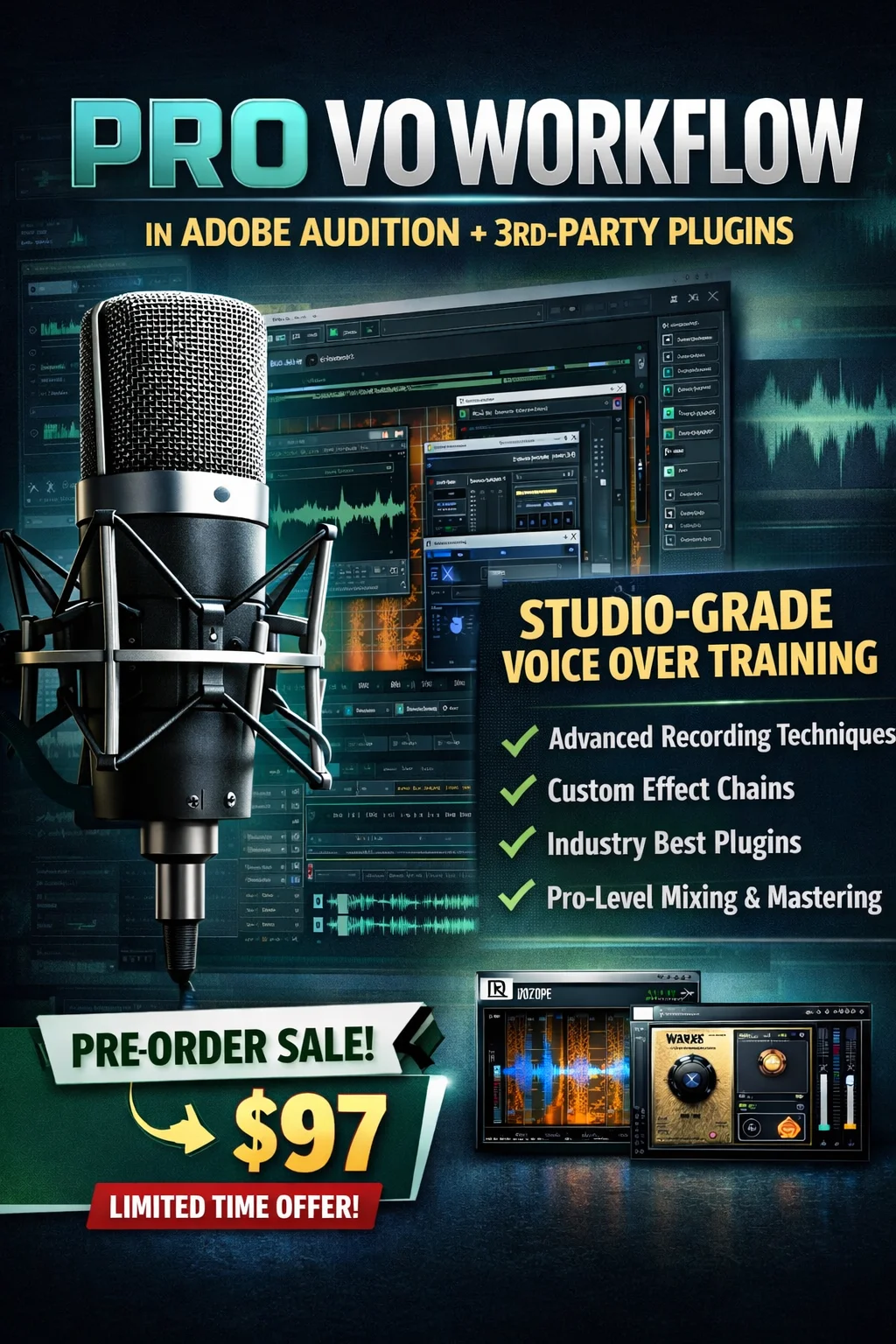
Professional Voice Over Workflow in Adobe Audition + 3rd-Party Plugins
[This is a Pre-Order, hence the price is $197, upon release the full price will be $497]
(Some video lectures are available now, the full course will be available by 7th November, 2026)
This course is for people who are serious about professional voice-over and are willing to use Adobe Audition + industry-grade plugins.
Learn the exact studio-grade workflow used for commercial voice-over production
A competitive voice-over career requires more than a microphone and basic editing.
Professional jobs demand consistent, clean, powerful, and commercial-ready audio — and that quality comes from using:
✔ The right recording techniques
✔ A clear processing workflow
✔ The best 3rd-party plugins available
✔ Skillfully designed effect chains (not copy-paste presets)
This course teaches you how to produce studio-level voice over audio using Adobe Audition combined with modern 3rd-party tools used in real post-production settings.
⚠️ This is not a hobby course.
This is for aspiring voice actors who want to earn professionally or want to get better at their crafts
🎯 Who This Course Is For
This training is made for:
-
Voice-over artists building a serious career
-
Freelancers serving paying clients
-
Actors recording commercial ad work from home
-
Audition creators who want agency-level quality
-
Creators willing to use the best modern plugins
You want to compete — so you need the workflow that professionals use.
What You Will Learn
You’ll build a complete, repeatable voice-over workflow for:
✔ Recording for clean, punchy commercial tone
✔ Gain staging that controls noise & distortion before editing
✔ Building effect racks (not downloading presets)
✔ EQ tone design for warmth, brightness, clarity, and authority
✔ Compression that adds presence without over-polishing
✔ Cleaning mouth noise, clicks, harsh “S,” and unwanted breath
✔ Reducing mud, boominess, hiss, and room tone professionally
✔ When to apply 3rd-party plugins instead of stock effects
You will not rely on presets.
👉 You will learn how to design your own processing chain.
🛠️ Template-Based Learning
You will receive editable chain templates, showing:
🔹 Exact effect order for commercial VO
🔹 Core settings you should always control
🔹 Which frequencies and values matter & why
🔹 How to adapt a chain to your own voice identity
🔹 Where and how to integrate 3rd-party plugins
📌 These templates guide you to build your own signature sound, not depend on someone else’s preset.
Recommended 3rd-Party Plugins
For this workflow, we will primarily use:
- iZotope RX (Standard version)
- Waves (couple of plugins)
Along the way, I’ll also show affordable and free (in some cases) alternatives to these plugins, so you can choose what fits your budget and style.
📎 You can take this entire course using the free trial versions of these plugins if you don’t already own them.
💼 Templates You Will Build
-
Punchy Commercial VO
-
Warm Corporate Narration
-
Cinematic Trailer Voice
-
Bright & Energetic VO
-
Breath & Sibilance Cleanup
-
Mouth Noise & Click Removal
Each template is a foundation you will customize for your own voice.
Course Format
-
Clear step-by-step lessons
-
Real audio examples and walk-throughs
-
Full effect-rack building (from scratch)
-
Watch anytime, learn at your own pace
-
Lifetime access with updates
Includes
🎓 Full Course + Template Guides
✔ One-time purchase
✔ Lifetime access
✔ Plugin alternatives covered
✔ Template updates included
🚀 After This Course, You Will Be Able To…
-
Record voice-over audio correctly for commercial quality
-
Build your own professional processing chain
-
Use 3rd-party plugins with purpose (not guesswork)
-
Fix harshness, sibilance, clicks, hiss, hum & mouth noise
-
Shape your voice tone like a studio engineer
-
Deliver clean, loud, hire-worthy VO to real clients
You will be given access soon, and you will get an email from info@master-editor.com
For any query, please send an email